


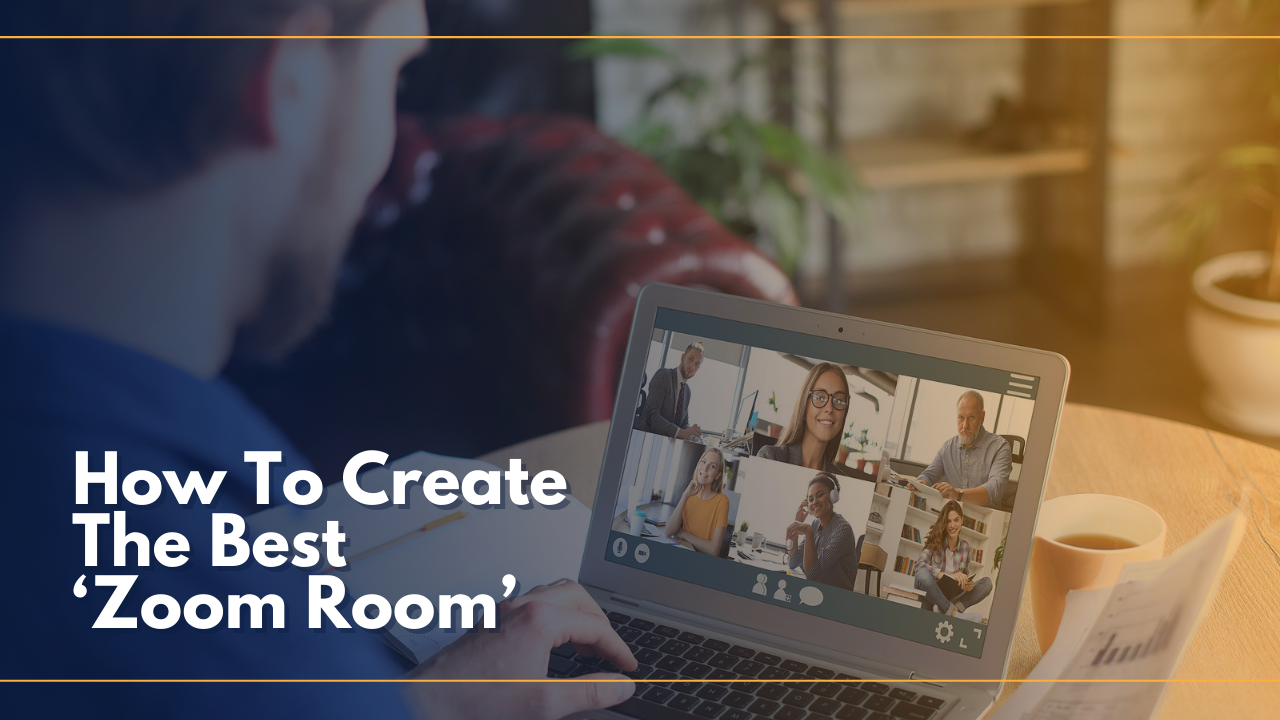
- Video calls are now a common occurrence, and workspace centers can add huge value by creating ‘Zoom rooms’ for members.
- You don’t need to invest heavily in technology or have a large space, but you should provide an attractive, comfortable and ideally sound-proof space.
- Cowork Tahoe’s Jamie Orr offers 5 easy, low-cost tips on how to create an effective ‘Zoom room’ that your members will love.
With more people than ever before participating in video calls for work, how those calls look has gained increasing attention and even scrutiny.
On Twitter, the popular Room Rater account, with over 330 thousand followers, posts light hearted and humorous reviews of rooms seen on Skype and Zoom calls. The account has included ratings of celebrities including everyone from her majesty the Queen of England (a 10/10) to Astronaut Kate Rubins calling in from the International Space Station (also 10/10 and tough competition).

Not everyone has a suitable place at home to get an easy 10/10 for their video calls, however.
In September, Gretchen Goldman, a Research Director with Center For Science And Democracy, appeared for a last minute interview on Wolf Blitzer’s show on CNN while working from home. She then tweeted out a photo comparing what the audience saw versus what her room really looked like to make it happen.

Scenarios like this have been far from abnormal this year. The State of Remote Work report recently found that 15% of respondents working from home were doing so from closets.
Nearby coworking spaces are an excellent option for workers that need a more professional and focused setting for video calls.
Many centers are looking at how to shift their design strategies to cater to the need for ‘Zoom Rooms.’ Creating the right setting for members can add to the overall customer experience of a space and can be accomplished without investing heavily in technology.
Here are some do’s and don’ts for creating a 10/10 Room Rater-worthy room setting:
1. Private space.
Staying focused on video calls is difficult if there is a lot of noise or visual distractions, so it’s best to make sure that there are separate rooms from which to take video meetings.
- Do: Have enough private rooms available for workers to use. This will vary based on the total number of members in a coworking space, so it’s important to survey what they need.
- Do: Make sure the room is acoustically quiet enough to block outside noise and also keep conversations inside the room private.
- Don’t: Expect workers to take video calls from common space. It can be distracting for them, as well as others working nearby.
- Don’t: Allow lots of noise near the private meeting room. Loud music, street noise, or general office chatter travels through thin walls.
2. Comfort.
With more frequent video meetings, workers need to be comfortable for the duration. The classic phone booth for a quick call doesn’t cut it for longer stretches of time.
- Do: Include proper office furniture in every video meeting room: a simple desk and an ergonomic chair are must-haves.
- Don’t: Make workers stand for long video calls in a cramped phone booth. Make sure the room is big enough to not feel claustrophobic.
- Don’t: Furnish the room like a lounge with only a sofa or armchair and no surface to place a laptop on.
3. Lighting.
Every filmmaker or photographer will attest that lighting is everything. This is not something to overlook when creating the best environment for video conferencing.
- Do: Provide sufficient lighting for the space. This includes plenty of ambient overhead lights as well as lamps for task lighting. Ring lights as an added amenity are also very useful.
- Do: Mimic daylight for the best quality image on video calls. The ideal color temperature of lighting should be in the 5000-6000 Kelvin range.
- Don’t: Let glare or backlighting from windows ruin the scene. If there is too much backlighting, it tends to make people look like they are in witness protection when on a video call.
4. Backgrounds.
- Do: Decorate with bookshelves. There are few things more visually appealing on a professional call than a well curated bookshelf. Include interesting books as well as objects with different colors and textures to create stylish visual interest.
- Do: Take advantage of larger rooms to show depth, if possible. This isn’t always feasible in a flexible workspace, but if it is, use the whole room to create a stunning backdrop for video.
- Do: When in doubt, brighten things up with plants.
- Do: Decorate using proper paint colors for collaboration. See our article on choosing colors for more ideas on the best palettes.
- Do: Use art or wall decals to make the background interesting. A clean but beautiful art arrangement can substitute for a large interesting room or bookcase when space is tight.
- Don’t: Leave walls blank. Plain is boring, dismal, and can be more distracting than having the right amount of visual interest.
- Don’t: Make people depend on using virtual backgrounds. While virtual backgrounds can be fun, they should be a last resort when privacy from the real background is necessary.
- Don’t: Have cluttered, busy, or unprofessional things in the background. Make sure that what is going to be in view of the camera is stationary, clean and organized, and of course, work appropriate.
5. Technology.
This is where many workspace providers start, but also get it wrong. When it comes to setting up a Zoom room, keeping it simple is much more effective than over investing in expensive technology.
Do: Ensure fast internet connectivity with a robust network. This is table stakes for flexible workspaces anyhow, but even more important for keeping video calls connected and glitch-free.
Do: Make sure there are easily accessible and plentiful outlets. Workers need to be able to keep their devices powered and running.
Don’t: Invest in expensive equipment. People are better off using their own laptops and webcams. They are more comfortable with how to use it and will not require additional staff support to get connected.
Remote work is here to stay, and that is going to mean more video conferencing. Flexible work spaces can support workers by helping to avoid 0/10 ratings like this one for Facebook’s Mark Zuckerberg.
What is most important is providing a comfortable, professional, and aesthetically appealing Zoom-ready environment. Doing so absolutely doesn’t need to break the bank.