



Advertisements
Your Brand Deserves The Spotlight - Advertise With Us - Allwork.Space
  • Marketplace
  • Resources
  • Business Directory
  • Events
  • Advertise
  • Publish a Press Release
  • Submit Your Story | Get Featured
  • Get the Newsletter
  • Contact
  • About Us
The FUTURE OF WORK® since 2003
Allwork.Space
No Result
View All Result
Subscribe
  • Submit Your StoryNew
  • More
    • Columnists
      • Dr. Gleb Tsipursky – The Office Whisperer
      • Nirit Cohen – WorkFutures
      • Angela Howard – Culture Expert
      • Drew Jones – Design & Innovation
      • Jonathan Price – CRE & Flex Expert
    • Get the Newsletter
    • Events
    • Advertise With Us
    • Publish a Press Release
    • Brand PulseNew
    • Partner Portal
  • Latest News
  • Business
  • Leadership
  • Work-life
  • Career Growth
  • Tech
  • Design
  • Workforce
  • Coworking
  • CRE
  • Podcast
  • Submit Your StoryNew
  • More
    • Columnists
      • Dr. Gleb Tsipursky – The Office Whisperer
      • Nirit Cohen – WorkFutures
      • Angela Howard – Culture Expert
      • Drew Jones – Design & Innovation
      • Jonathan Price – CRE & Flex Expert
    • Get the Newsletter
    • Events
    • Advertise With Us
    • Publish a Press Release
    • Brand PulseNew
    • Partner Portal
  • Latest News
  • Business
  • Leadership
  • Work-life
  • Career Growth
  • Tech
  • Design
  • Workforce
  • Coworking
  • CRE
  • Podcast
No Result
View All Result
Subscribe
Allwork.Space
No Result
View All Result
Advertisements
Nexudus - Waste of Space? (Pink)
Home Marketing

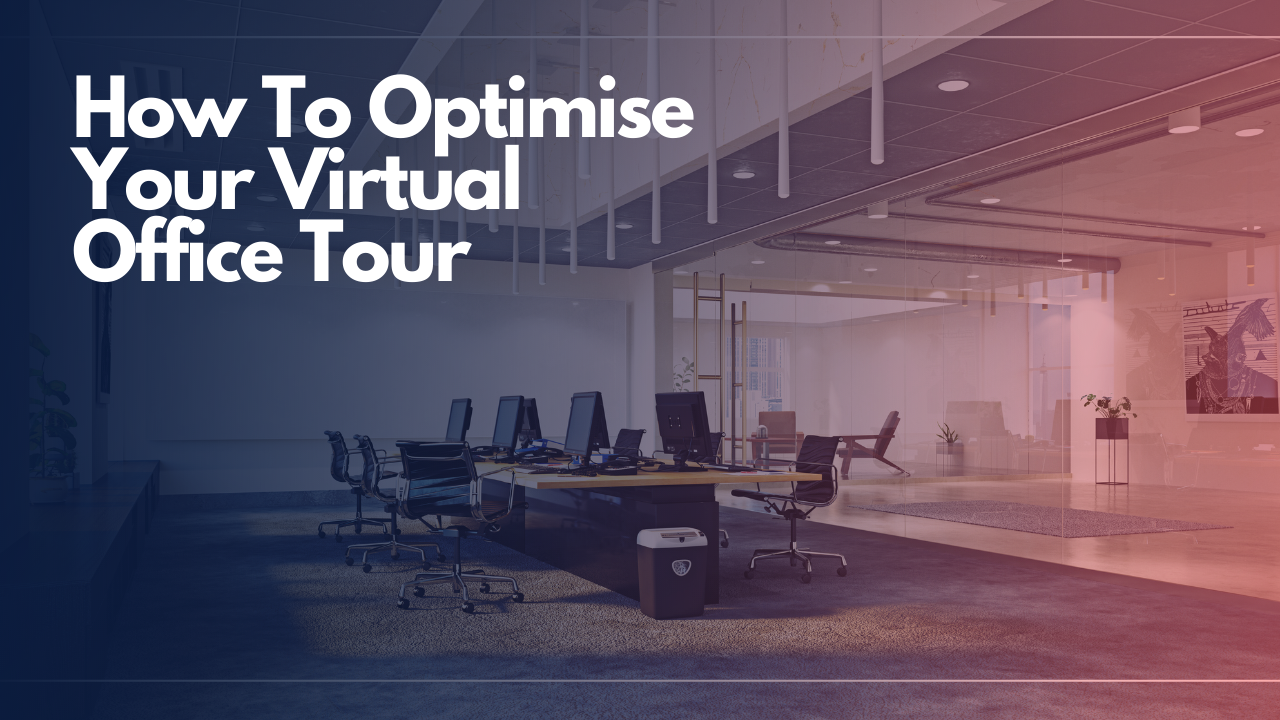
How To Optimise Your Virtual Office Tour

Kate TattersfieldbyKate Tattersfield
January 12, 2021
in Marketing
Reading Time: 5 mins read
A A
Alex AWS Articles Templates

From tripod positioning to maximising natural light, these 7 tips explain how to optimise your virtual tour.

  • Virtual tours engage prospective members by enabling them to experience your location without leaving your website.
  • Not to be confused with a video tour, a virtual tour — also known as a 3D or 360 panoramic tour — enables people to interact with the space and zoom in on features.
  • From tripod positioning to maximising natural light, these 7 tips explain how to optimise your virtual tour.

Office virtual tours are experiencing a boom, for obvious reasons. But the savviest operators were leveraging this technology way before the pandemic hit.

Known in the marketing world as ‘sticky content’, virtual tours engage prospective members by enabling them to experience your location without leaving your website. Sure, they’ll likely want to come see it in person too, but it means they will do so as a more ‘qualified’ prospect.

Advertisements
Nexudus - Waste of Space? (Green)

What is a Virtual Tour?

A virtual tour, also referred to as a 360 panoramic tour or 3D virtual tour, shouldn’t be confused with a video tour. Video tours are a very effective marketing tool but they differ in that they only allow website visitors to see the point of view of the presenter or videographer. 

An example of a video tour with narration from staff and members.

Virtual tours, on the other hand, provide visitors with control over their perspective, enabling them to zoom in on features and explore at their own pace.
Advertisements
Nexudus - Tech Stack Lovers

Panoramic tours are created using a series of photographs or videos taken from one vantage point. The camera’s lens rotates around the ‘no parallax point’ – the specific point at the back of the lens where the light converges. 

There are lots of companies out there who can create a virtual tour for you, so don’t be afraid to outsource. If you decide to have a go yourself, you’ll need a camera which can shoot 360° panoramic footage remotely and virtual tour software (or an app).

Check out this list of virtual tour apps to get started on iPhone (image credit: Cortney Wood)

How to Optimise Your 360 Virtual Tour

1. Plan your virtual tour shots

Compose a list of the areas in your workspace you’d like to include in your virtual tour – private offices, coworking areas, breakout spaces, kitchens, roof terraces, etc. Find a vantage point in each area that will enable you to capture all of its features. You could use the centre of the room. Failing that, select a more convenient spot and mark it with tape.

2. Prepare each space

Once you’ve planned the camera positions in each area, it’s time to prepare the room for the recording.  Remove anything that will obstruct the camera’s view, tidy up by organising desks and chairs neatly and take anything that might distract the viewer out of the shot. People like to work in environments with lots of natural light, so be sure to open any blinds.

Advertisements
Get more revenue. Do less work - Alliance Virtual Offices

3. Level your tripod

For image consistency and to ensure straight angles, you’ll need to make sure your tripod is level in every shot. Your tripod might come with its own spirit level – simply adjust the legs until the bubble is in the middle. If it doesn’t, you can download a leveling app using your smartphone.

4. Practise your shots

Practise makes perfect, as the old saying goes. Before uploading your content, take practice shots of each part of your workspace and analyse them. The first thing to look out for is whether you can see your camera’s reflection in windows or mirrors.

If so, you’ll need to reposition your camera. Likewise, check for any distractions or darkness that will compromise the quality of your virtual tour. 

5. Take your photos

Once you’ve demo-ed your technology and framing, it’s time to get stuck in. Find the vantage point that you’ve marked out in each room, set up the tripod and take the pictures. You can check images as you go and retake photos before moving to the next area. It’s better to have a selection to choose from than too few.

More stories for you

Coworking Is Getting Crowded — Use These 10 Strategies To Stand Out

Coworking Is Getting Crowded — Use These 10 Strategies To Stand Out

1 week ago
9 Questions To Clarify The Target Market For Your Coworking Space

9 Questions To Clarify The Target Market For Your Coworking Space

1 month ago
Inside The Hybrid Work Strategies Driving Success At Fortune 500 Firms

Inside The Hybrid Work Strategies Driving Success At Fortune 500 Firms

2 months ago
Google’s Offerwall Launch Could Reshape How We Pay For Information In The Future Of Work

Google’s Offerwall Launch Could Reshape How We Pay For Information In The Future Of Work

5 months ago

6. Upload your photos

Use your chosen virtual tour software or app to connect the images together and complete your virtual tour. You’ll have to upload your images and follow the prompts. Lots of programmes enable you to optimise the viewers experience by adding features such as interactive links, audio descriptions, floor plans and music.

7. Share your virtual tour

Embed the virtual tour into your website and share it across your social media channels. You can share a link to it in emails to any prospective members that come your way and you can also generate a QR code that links directly to the virtual tour when scanned. 

Office Virtual Tour Examples

Staying up-to-date with the latest marketing and technology trends is important if you want to remain relevant in a competitive landscape. 

Advertisements
UltraSoftBIS Work Smarter, Not Harder

Don’t be afraid to experiment and ask your peers for guidance when needed. Before embarking on your own virtual tour journey, take a look at how other operators are utilising the technology: check out Mindspace in Bucharest and Knotel, in London, for instance.


Advertisements
Your Brand Deserves The Spotlight - Advertise With Us - Allwork.Space
Tags: Marketing
Share6Tweet4Share1
Kate Tattersfield

Kate Tattersfield

London-based lit zine enthusiast, music lover and freelance writer specializing in the flexible workspace industry.

Other Stories Recommended For You

Coworking Is Getting Crowded — Use These 10 Strategies To Stand Out
Coworking

Coworking Is Getting Crowded — Use These 10 Strategies To Stand Out

byCat Johnson
1 week ago

Stand out in a crowded coworking market by defining your space and community.

Read more
9 Questions To Clarify The Target Market For Your Coworking Space

9 Questions To Clarify The Target Market For Your Coworking Space

1 month ago
Inside The Hybrid Work Strategies Driving Success At Fortune 500 Firms

Inside The Hybrid Work Strategies Driving Success At Fortune 500 Firms

2 months ago
Google’s Offerwall Launch Could Reshape How We Pay For Information In The Future Of Work

Google’s Offerwall Launch Could Reshape How We Pay For Information In The Future Of Work

5 months ago
Advertisements
Yardi Kube automates flex & coworking operations
Advertisements
Nexudus - Automate

Unlock your competitive edge in tomorrow's workplace.

Join a community of forward-thinking professionals who get exclusive access to the latest news, trends, and innovations that are shaping the future of work.

2025 Allwork.Space News Corporation. Exploring the Future Of Work® since 2003. All Rights Reserved

Advertise  Submit Your Story   Newsletters   Privacy Policy   Terms Of Use   About Us   Contact   Submit a Press Release   Brand Pulse   Podcast   Events   

No Result
View All Result
  • Home
  • Latest News
  • Topics
    • Business
    • Leadership
    • Work-life
    • Workforce
    • Career Growth
    • Design
    • Tech
    • Coworking
    • Marketing
    • CRE
  • Podcast
  • Events
  • About Us
  • Advertise | Media Kit
  • Submit Your Story
Subscribe

Welcome Back!

Login to your account below

Forgotten Password?

Retrieve your password

Please enter your username or email address to reset your password.

Log In
This website uses cookies. By continuing to use this website you are giving consent to cookies being used. Visit our Privacy and Cookie Policy.
-
00:00
00:00

Queue

Update Required Flash plugin
-
00:00
00:00