



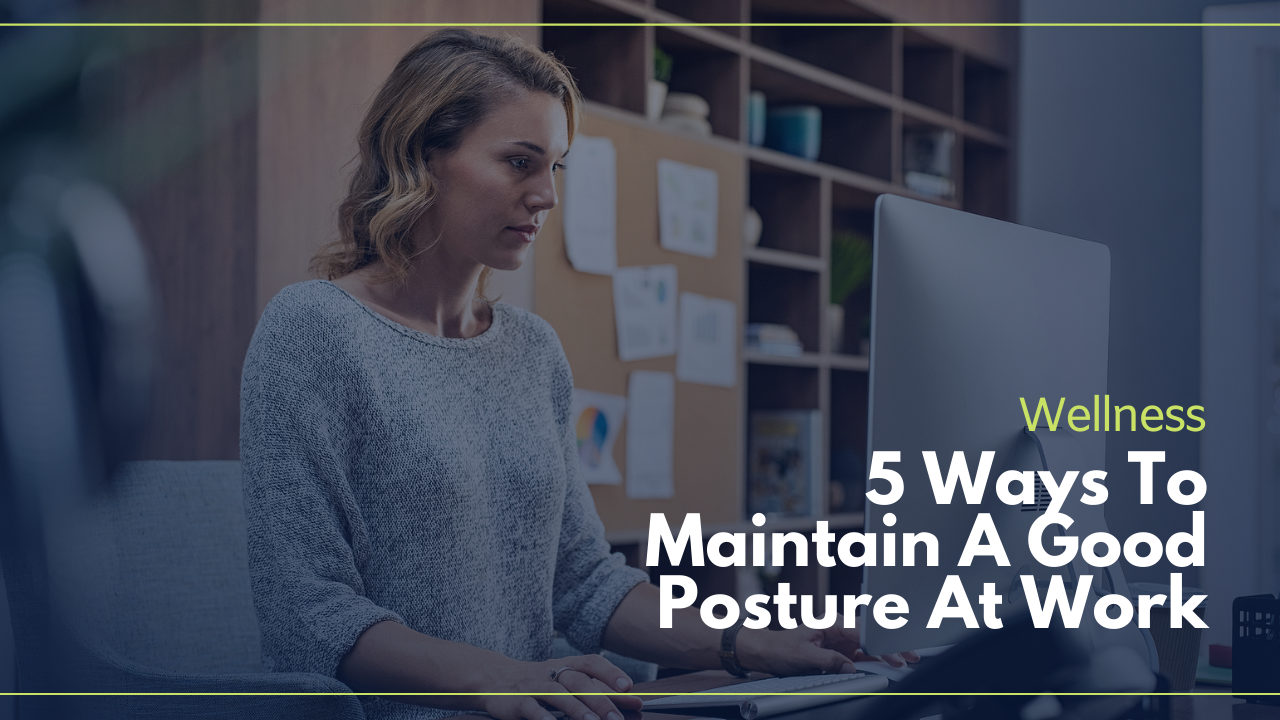
- Chiropractic doctor, Dr. Brent Wells, D.C., offers advice on how to improve posture at work.
- Prolonged sitting is harmful and can lead to numerous health problems.
- From recognizing discomfort to working on your abdominal muscles, these tips will help you take control of the way you sit and stand at work.
This article was written by Dr. Brent Wells, D.C., founder of Better Health Chiropractic & Physical Rehab.
Prolonged, uninterrupted sitting has been proven to be harmful. Research shows that people who sit for too long can develop health problems like obesity, type-2 diabetes, and other fatal and nonfatal cardiovascular diseases. Researchers are also looking at a connection between sitting for too long and increased risks of various cancers, too.

The office is one of the places where people sit all day. The excessive amount of sitting that happens at the workplace also has a detrimental effect on the skeletal system, especially skeletal muscles. Research shows that the human body needs to move.
When people sit all day, they need help finding relief. As a chiropractic doctor, I can give tips to fix ‘tech neck’ and other painful problems, but sedentary workers need more than chiropractic adjustments.

Rather than suffer through back and neck pain, you can take control of the way you sit and stand when at work. Learning about ergonomics is one way to reduce back and neck pain.
1. Become Mindful of Your Back and Neck Pain
Often, we don’t pay attention to how we feel until we are in pain. Instead of living like that, pay attention to how you feel throughout your time at work. Listen to your body and make notes about the situations that feel good and bad.
Keep a journal so you get to know your body’s rhythms. Include notes on how you slept each night so you can see how sleep relates to your experiences during the day. Eventually, you will notice when your body is functioning properly and when something is off. This gives you the information you need to stop experiencing pain. It also gives you information you can share with your chiropractor so you can work together to better your experience at work.
2. Get to Know Your Neutral Posture
Everyone has a neutral posture where their spine is in its ideal alignment. Once you begin slouching, which often happens when working at a desk, your ideal posture goes by the wayside. If your chair or computer monitor is not at the correct height, your posture continues to weaken.

To keep your back and neck feeling good, the goal is to keep it in the neutral position as often as possible. One way to achieve this goal is to pay attention to your posture throughout the day. As you begin doing this, set reminders on your phone, or leave yourself sticky notes on your desk. The idea is to train yourself to pay attention to how you are sitting or standing.
You can also arrange your workspace to benefit your neutral posture:
● Set your computer monitor at a level that keeps you from dropping your head and straining your neck.
● Sit in a supportive chair that offers low-back support so your back can rest against the lumbar portion of the chair.
● Set your chair to a height that allows you to comfortably place your feet flat on the floor.
● Use a lumbar pillow if your chair does not have low-back support.
3. Take Time to Move
Sitting for extended periods of time is what creates problems in the neck and low back. To counteract the sitting, you should get up regularly. Research shows that sitting for 30 minutes or longer is problematic for the back, so you should get up and move around at least once every 30 minutes.
You should take time to stretch during the stand-up-and-move breaks. Open your chest with an overhead stretch. Take a little walk around the office, and if you have stairs, walk up and down a few times. Your heart, muscles, and mind will appreciate the movement and the time away from your desk and out of your chair.
Because remembering to take breaks is not easy, especially during a busy work day, you’ve got to schedule them. Whether you prefer to set reminders on your phone or use a sand timer, set it for 30 minutes and when it goes off, get up. If you can’t, set it for five minutes to remind yourself that you need to move. There are also several desktop apps that remind you to move and give you ideas to get all of your muscles involved.
4. Support Your Back
If you’ve been sitting with poor posture for years, changing your habits can be difficult. Fortunately, there are several devices you can use to help your back feel better when you have to sit at work.
The ideal ergonomic desk chair should have:
● Built-in headrest
● Lumbar support
● Adjustable height
● Arm rests
● Moveable footrest for flat feet
Another popular desk device is the sit-stand desk. These are adjustable computer desks that let you sit and work at your computer, then stand and do the same. Some of these devices are actual desks with adjustable legs, while others sit atop a typical desk and have scissor legs that can lift, lower, and lock into place.
If you cannot afford an ergonomic chair or your office will not buy one for you, you can help yourself with a few small purchases. A lumbar pillow supports the low back, while a small footrest that lifts a few inches off of the ground can provide some relief. If you cannot find a footrest, you can put a stack of books on the floor at the perfect height for your feet. You can also use books to build a stand for your computer monitor so it sits at eye height.
5. Work on Your Abdominal Muscles
Research shows that having a weak back is often due to weak abdominal muscles. You don’t have to do a ton of crunches to improve your abdominal muscles. Instead, work on engaging them while you are at work. When you take your movement breaks or your posture alarm goes off, engage your muscles.
At your desk, you can work your ab muscles with some simple moves through the day. You don’t need any special equipment, and many of the exercises can be done while wearing a suit or heels. Research also shows that you can strengthen your abs by sitting on an exercise ball.Dr. Brent Wells, D.C. founded Better Health Chiropractic & Physical Rehab and has been a chiropractor for over 20 years. He is currently leading 10,000 Alaskans to more active and pain-free lifestyles with a progressive and highly innovative approach to chiropractic care, massage therapy, and physical rehab therapy.